Quickstart
Add an App node, describe an app, watch it build, and publish it — start to finish.
This walkthrough takes you from an empty canvas to a published app — one prompt and a few clicks.
Add an App node
Press (or open the Add a Node menu), search for App, and add it. A fresh node shows a glowing Start an app invitation.
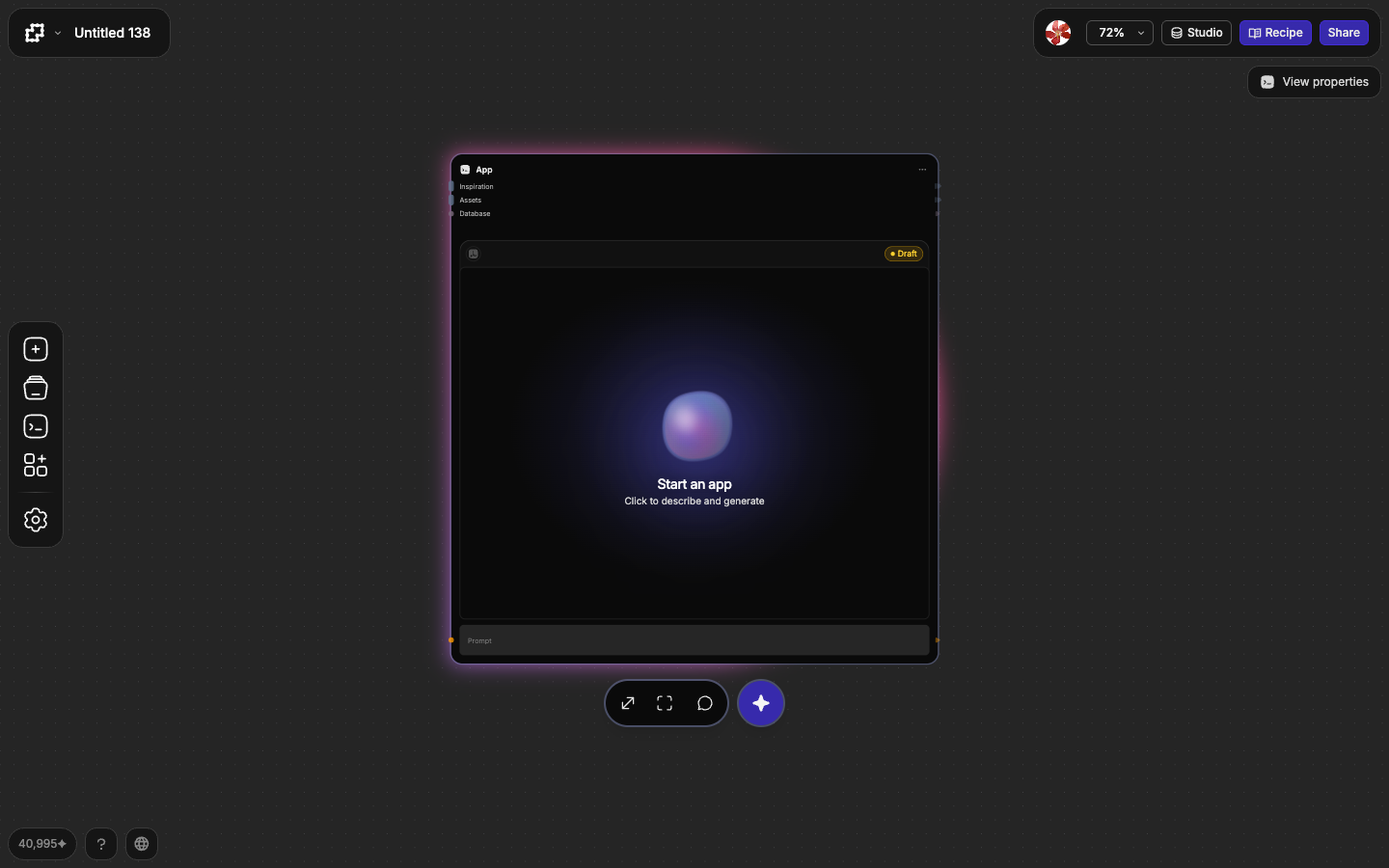
Click the node to open focus mode — the full-screen workspace where you'll build.
Describe what to build
Focus mode opens with a composer and a few starter prompts above it. Type your own idea, or click a starter to drop it in.
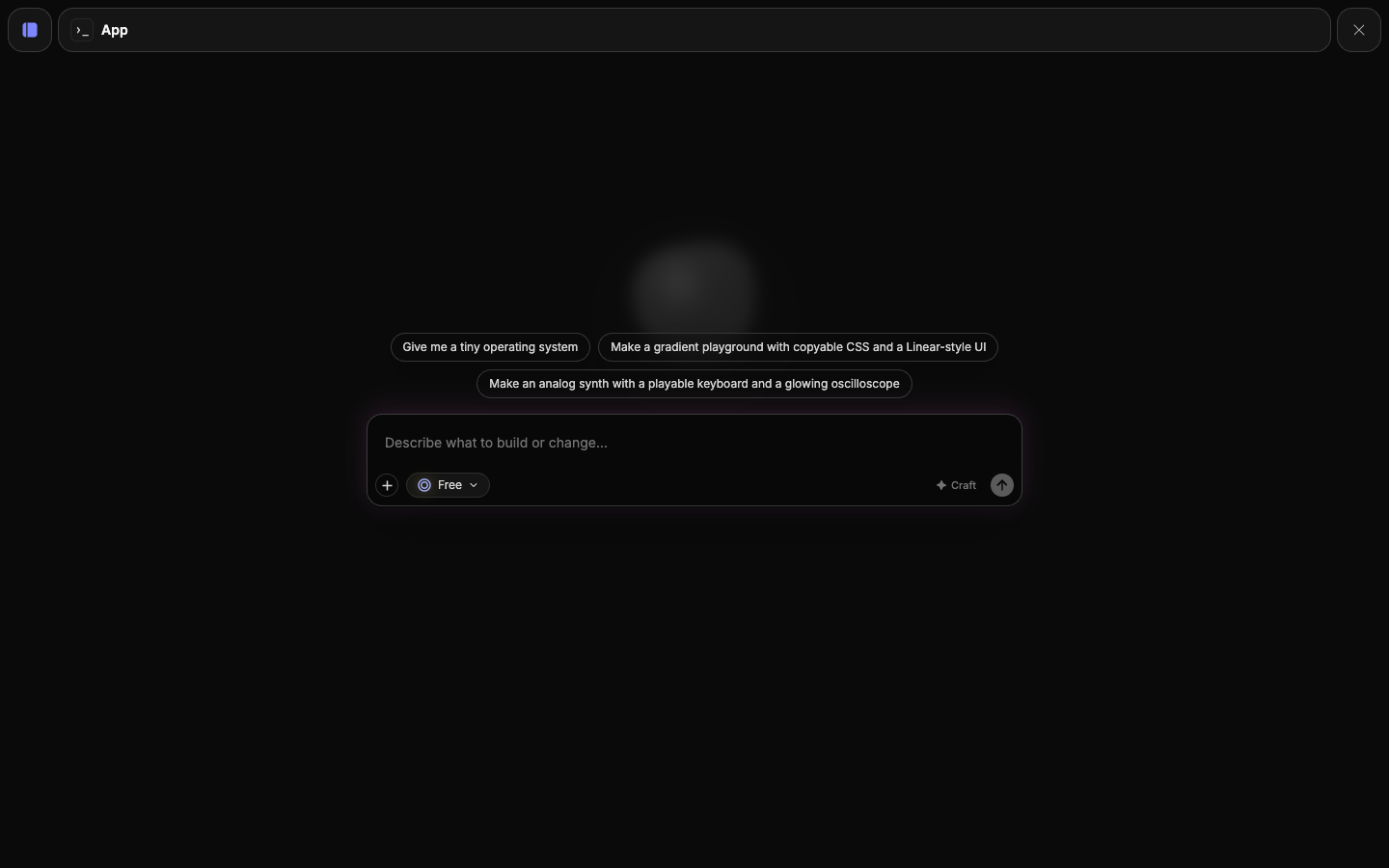
Keep the first prompt concrete but simple — you'll refine it afterward. For example: "Build a minimalist Pomodoro timer with a circular progress ring, start/pause/reset, and a clean dark UI."
Press (or click Generate) to start the build.
Stays on Free by default
The model chip reads Free — the default, no-credit model. Leave it as-is for your first app. See Generation models for when to switch.
Watch it build
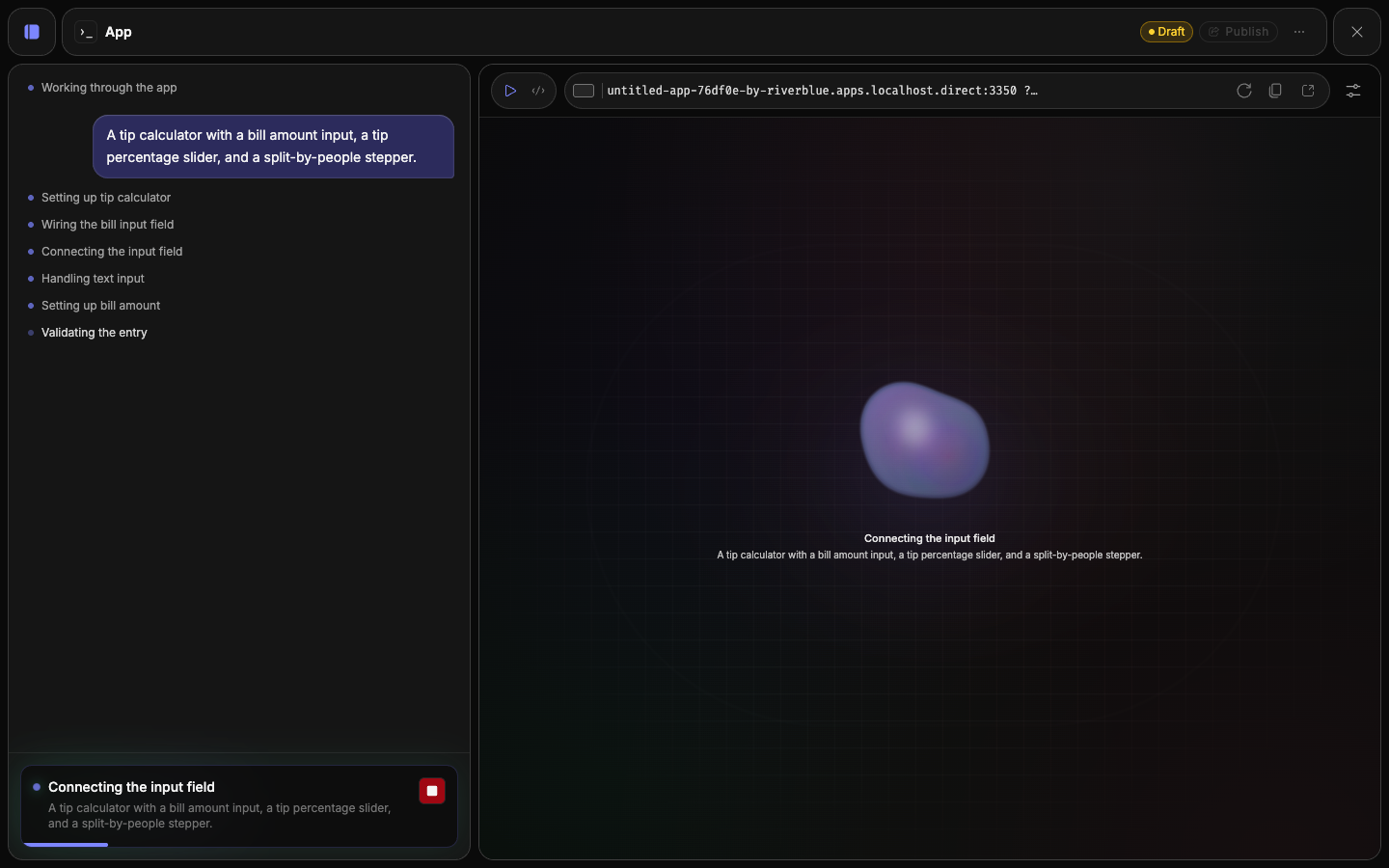
The agent narrates as it works: planning, writing code, then deploying a preview. A live transcript fills the chat panel on the left, and a Stop button lets you cancel a run in progress.
Preview and refine
When the build finishes, your app renders live in the preview. Try it out.
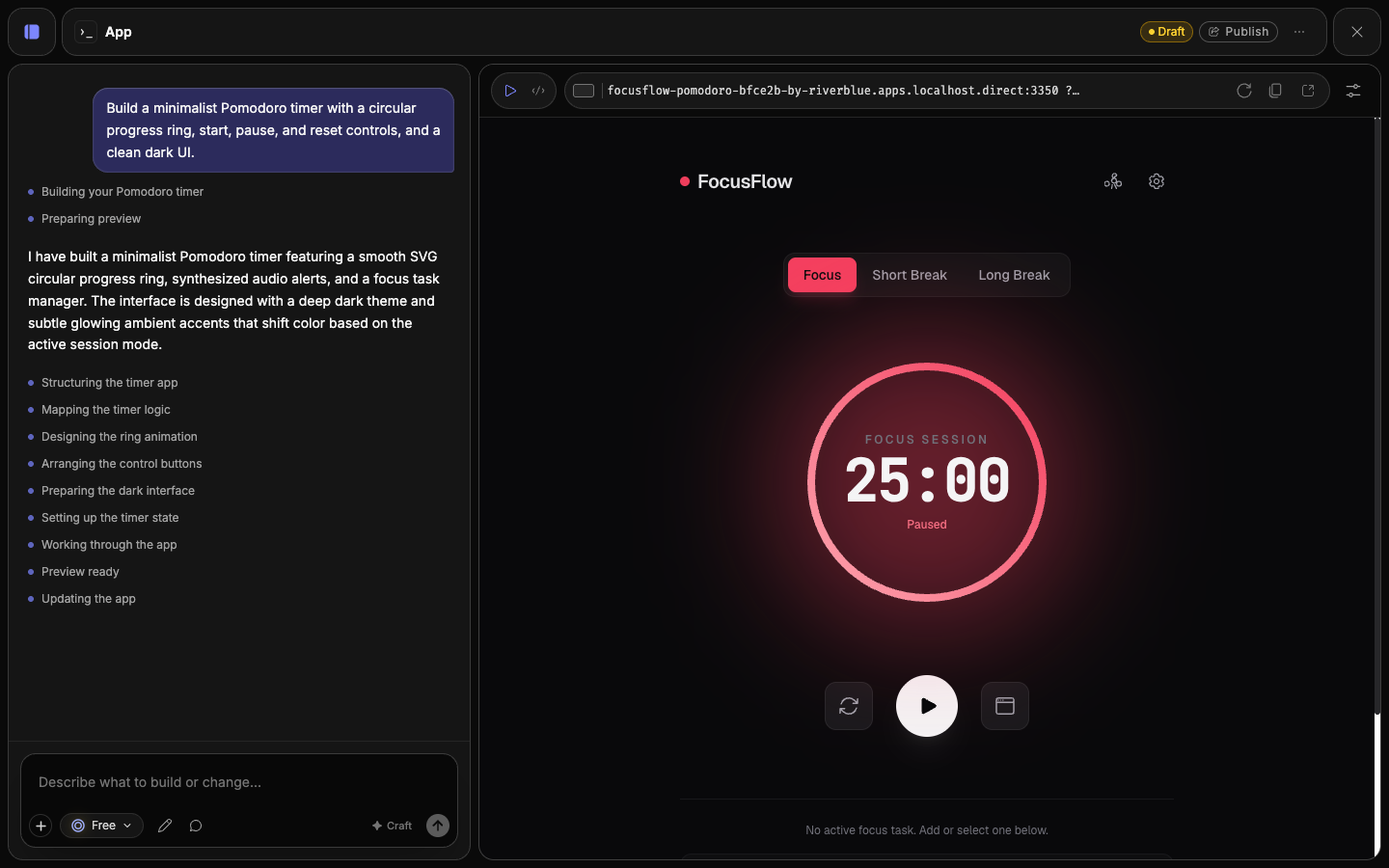
To change anything, describe it in the composer — "make the accent color teal", "add a long-break mode" — and the agent applies it. You can also edit content, styles, and code directly.
Publish
When you're happy, click Publish. Your app is promoted to a public URL that anyone with the link can open — no login required. The status pill flips to Live, and a share panel hands you the link and a QR code.
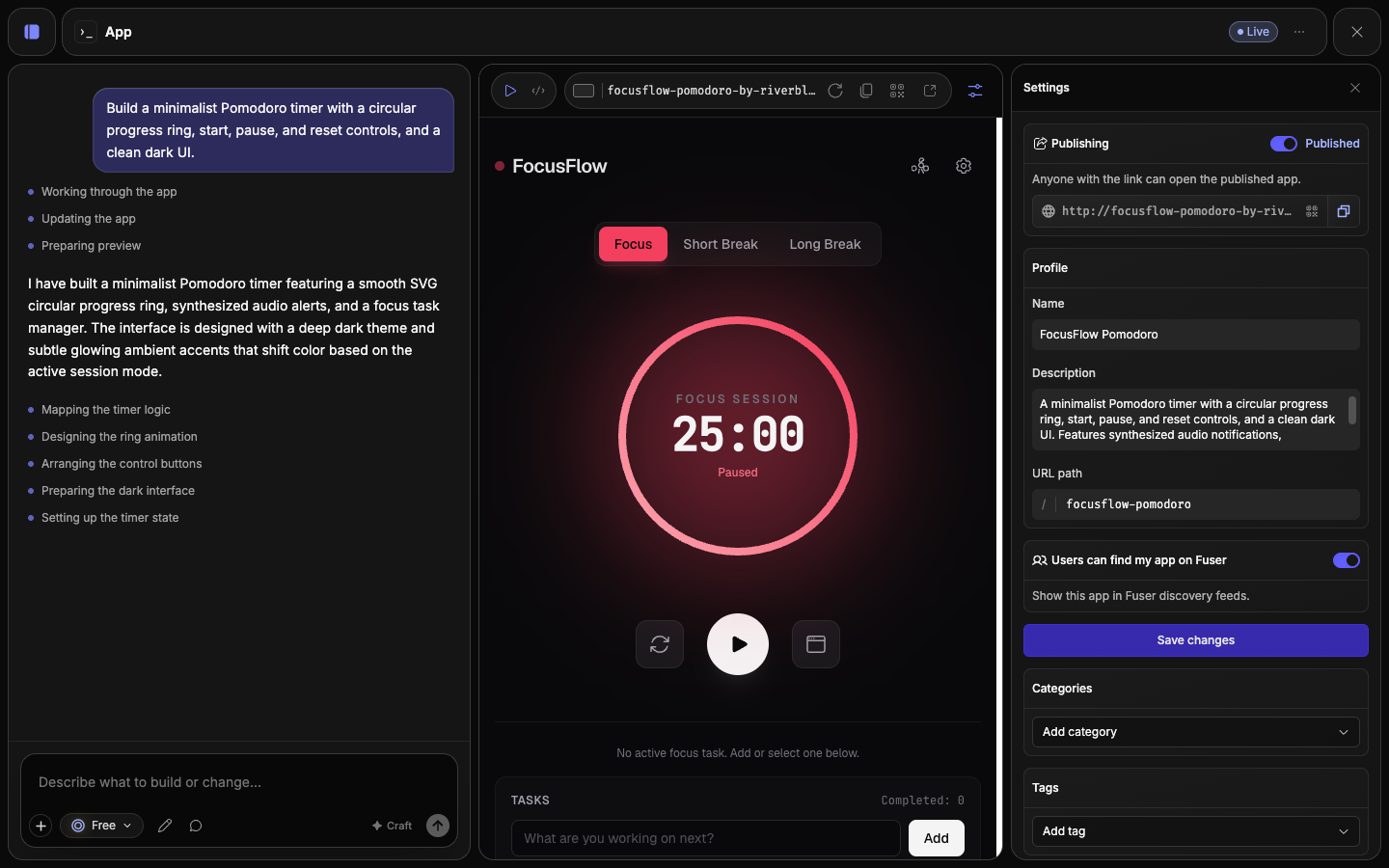
That's the whole loop. Everything else in this section goes deeper on each step.
What's next
Building with the agent
Prompts, crafting, generation activity, and one-click error fixes.
Editing your app
Direct edits to content, design, media, and code.
Publishing & versions
Version history, rollback, and what publishing actually does.
Sharing & your audience
Links, QR codes, discovery, and access control.