Generation models & creativity
Pick the model that builds your app — Free, Standard, Pro, or Max — and tune how adventurous it is.
Every app is built by a model, and you choose which one. The model chip sits in the composer next to the + button. Click it to open the picker.
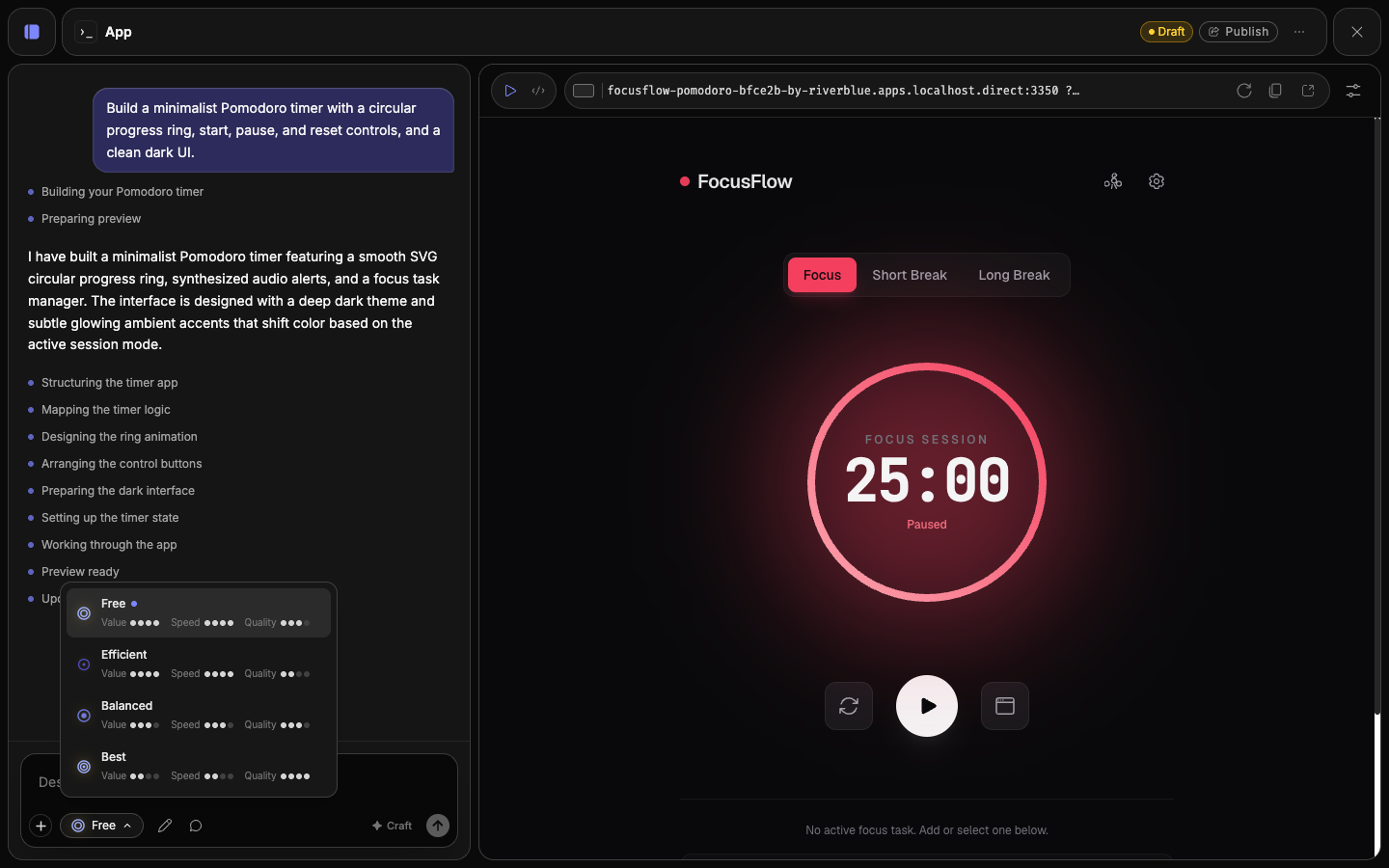
Each option carries three ratings — Value, Speed, and Quality — so you can weigh the trade-off at a glance. Your choice is remembered per app.
The models
| Model | Best for | Powered by | Notes |
|---|---|---|---|
| Free | Everyday builds | Gemini 3.5 Flash | The default, and the quality baseline. No credits. |
| Standard | Most builds | Claude Sonnet 5 | Dependable quality with quick turnarounds. Spends credits. |
| Pro | Your most ambitious builds | Claude Opus 4.8 | Superior quality, for complex or polished apps. Spends credits. |
| Max | The most demanding builds | Fable 5 | Frontier intelligence at frontier prices. Spends credits. |
Start on Free — it's the quality baseline and costs nothing. When you need higher quality — the logic is off, or the result isn't polished enough — step up to Standard, Pro, or Max, then drop back down for routine tweaks.
The model behind each name
Hover any option in the picker to see exactly what powers it, along with the provider's list pricing per million tokens. Fuser may update a tier's underlying model over time — the picker always shows the current mapping.
Creativity
Below the model, a Creativity slider controls how adventurous the agent is. Lower values keep it precise and predictable; higher values invite more invention and surprise. For functional tools, keep it low. For expressive, visual, or playful apps, nudge it up.
Some reasoning-focused models run at a fixed setting — when that's the case, the slider is disabled.
When a model is unavailable
If the model you picked is temporarily down or rate-limited, Fuser tells you it couldn't be reached. Try again in a moment, or switch to another model and continue — your app and history are untouched.