Turn a photo into video
Start from your own photo so the product, room or person stays true to life.
Generating from words alone drifts: the product changes shape, the label changes text. Starting from your photo keeps it as it is.
Give the agent the photo
Point to a file on your computer, paste a link, or name an image already in Fuser ("the kitchen photo I uploaded yesterday"). The agent uploads it or finds it in your library.
Say what should happen
Describe the motion and what must stay fixed.
Check and adjust
The agent looks at the first frame and the result, and you can ask for changes in plain words.
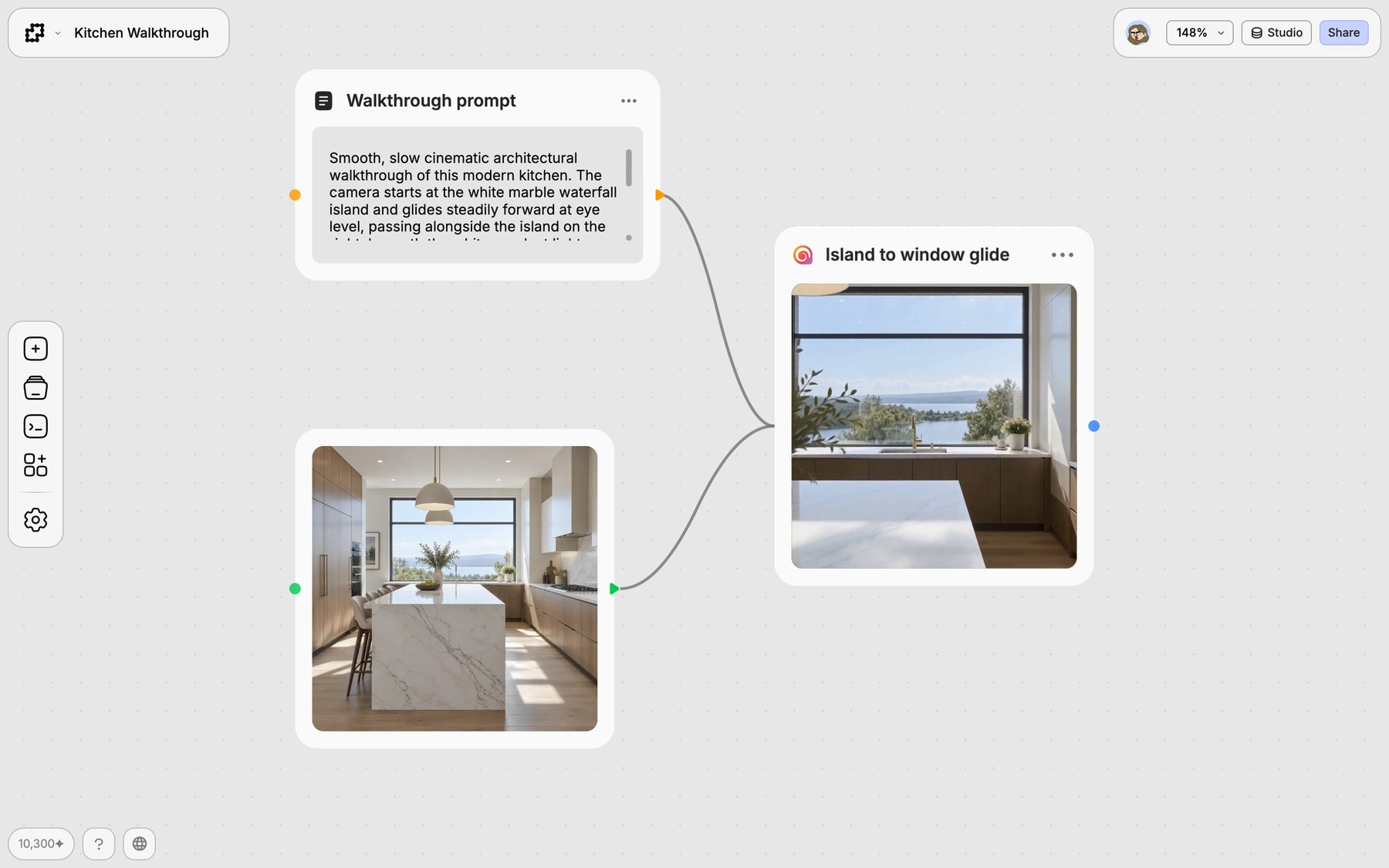
Here's a photo of our kitchen. Make a 10 second walkthrough video: start at the marble island and glide slowly to the window.
upload_startupload_finishcanvas_editrun_start · dry runrun_startrun_get
Your 10-second walkthrough is ready. It cost 1,102 credits, under your 1,500 limit. The camera glides from the island to the window at eye level.
Tips
- Name what must not change. "Keep the label sharp and unchanged", "same face".
- Describe one camera move. Slow push in, orbit, glide forward. Several moves in one clip look busy.
- Short first. Ask for 5 seconds to check the motion, then the full length.